
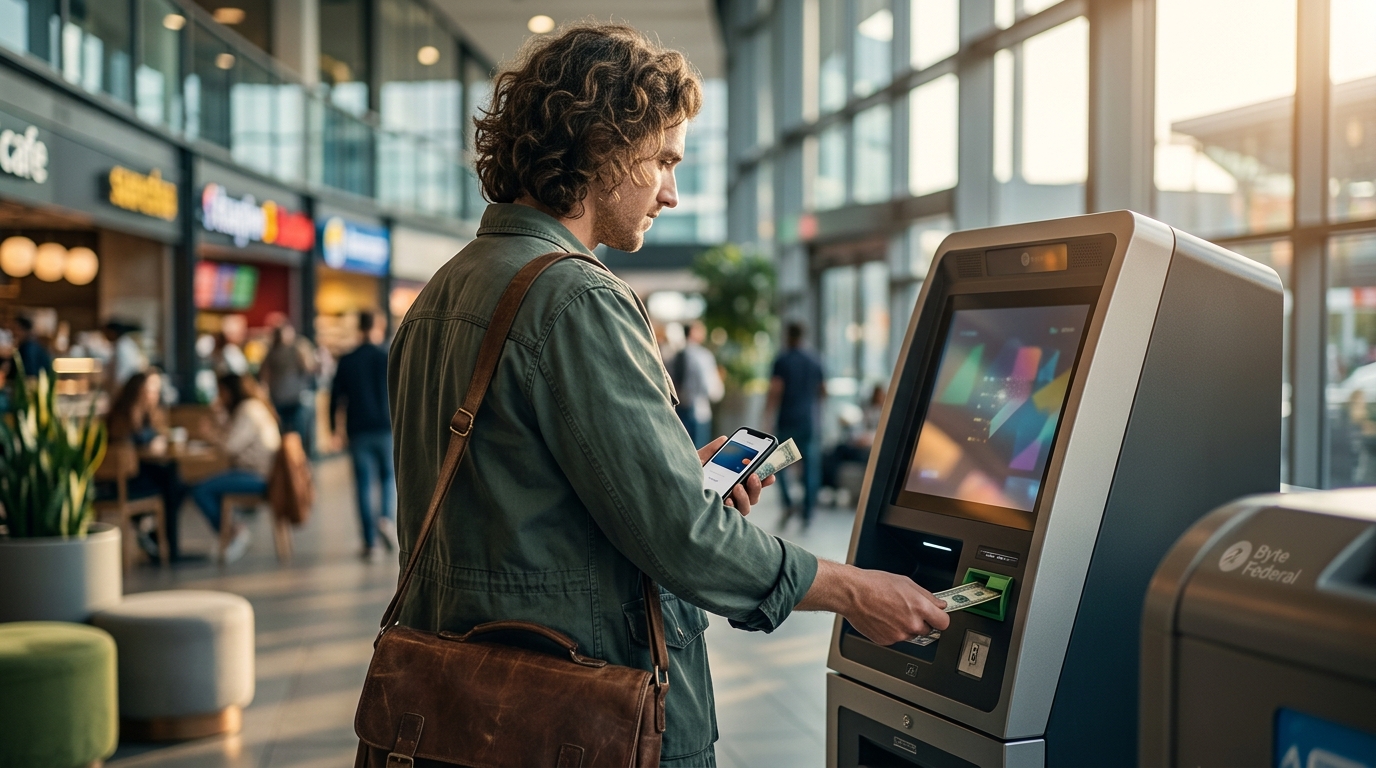
Bitcoin has evolved from a niche digital experiment into a global financial asset class. According to recent market data, Bitcoin recently traded near $79,597, demonstrating significant volatility and institutional adoption. For individuals seeking immediate, cash-based entry into the cryptocurrency market, Bitcoin ATMs offer a critical bridge between traditional fiat currency and digital assets. Byte Federal operates one of the most extensive networks of these kiosks, serving over 42 states across the United States. This guide details the precise operational workflow for purchasing cryptocurrency through their terminals, ensuring you maximize efficiency and security during your transaction.
Preparation and Account Setup
Before approaching a physical kiosk, establishing a secure digital wallet is the foundational step. ByteVault is Byte Federal's proprietary mobile application designed to manage your cryptocurrency holdings securely. This application serves as the primary interface for receiving funds from the ATM.
Creating an account requires a valid mobile phone number for SMS verification. This step is mandatory for identity verification and ensures that only you can access the receiving wallet. The app supports biometric login features, including Face ID and Touch ID, which significantly reduce the time required to access your funds after a transaction is confirmed.
While you can transact without pre-registering, using the registration portal allows you to verify your identity online. This pre-verification process drastically reduces the wait time at the physical machine. Users who complete this step report faster confirmation times and a smoother overall experience. New users can also take advantage of a 25% discount on their first purchase over $50 by submitting their phone number through the official website.
Locating the Nearest Kiosk
Byte Federal maintains a vast network of Bitcoin ATMs, with over 1,000 kiosks deployed across the country. Finding a nearby machine is straightforward through their digital infrastructure. The Locations page provides a comprehensive map of all active terminals.
When selecting a kiosk, consider the following factors:
- Network Fees: Bitcoin ATM fees vary by location and machine type. Some kiosks offer lower rates for larger transactions.
- Operating Hours: Ensure the kiosk is accessible 24/7 or during the hours that suit your schedule.
- Transaction Limits: Different machines have varying daily and per-transaction limits based on regulatory requirements.
The Byte Federal website also features a real-time converter tool. This utility helps you estimate how much Bitcoin you will receive for your specific fiat amount, accounting for current market rates and network fees.
Executing the Purchase
Once you have located a kiosk and prepared your wallet, the transaction process begins. The workflow is designed to be intuitive, allowing users to complete a purchase in under three minutes.
Step 1: Initiate the Transaction
Approach the kiosk and select "Buy Bitcoin" on the touchscreen interface. The machine will prompt you to choose your cryptocurrency. While Bitcoin is the primary asset, many Byte Federal kiosks also support Ethereum, Litecoin, and other major altcoins. Selecting the correct asset ensures your funds are sent to the appropriate blockchain.
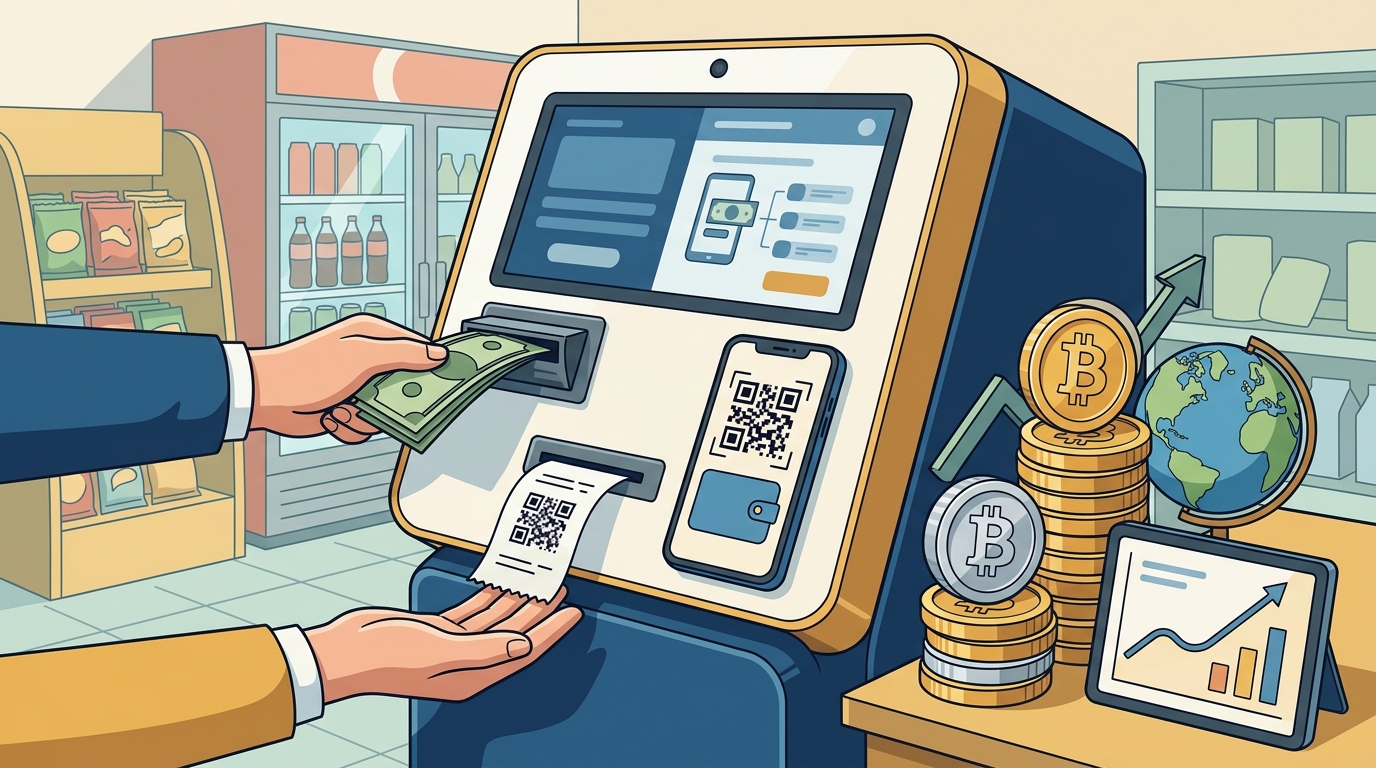
Step 2: Scan Your Wallet QR Code
Open your ByteVault app or any compatible Bitcoin wallet application. Locate the "Receive" or "Deposit" function to generate a unique QR code. Position this code within the scanner's designated area on the ATM screen. The machine will read the address and display the amount of cryptocurrency you will receive.
Important: Double-check the wallet address displayed on the ATM screen against your app. Sending funds to an incorrect address results in permanent loss of assets.
Step 3: Insert Cash
Insert your fiat currency into the cash acceptor. The machine validates the bills in real-time. You can insert multiple batches of cash. The screen will update the total amount and the corresponding Bitcoin value as you add funds.
Be aware of the machine's maximum bill denomination. Some older kiosks may only accept $20 bills, while newer models accept $100 bills. This affects the speed of the transaction and the total amount you can deposit in a single session.
Step 4: Confirm and Wait for Confirmation
Review the transaction details, including the exchange rate and fees. Confirm the purchase. The ATM will dispense a receipt with a transaction ID. The Bitcoin will be sent to your wallet address. Network confirmation times vary but typically occur within minutes. You will receive a notification in your ByteVault app once the transaction is confirmed on the blockchain.
Security and Compliance Protocols
Regulatory compliance is a critical component of the Bitcoin ATM industry. Byte Federal adheres to strict Know Your Customer (KYC) and Anti-Money Laundering (AML) standards. These protocols protect the network from illicit activities and ensure the longevity of the service.
For transactions above certain thresholds, identity verification is required. This may involve scanning a government-issued ID or providing additional personal information. The Legal Agreements section on the main site outlines the specific data handling policies and user responsibilities.
Security is further enhanced by the use of ByteAuth, Byte Federal's passwordless authentication system. This technology leverages Bitcoin cryptography to secure user accounts without relying on vulnerable password databases. By using biometric data and cryptographic keys, Byte Federal ensures that your account remains secure against phishing and credential stuffing attacks.
Managing Your Digital Assets
After your purchase is complete, managing your Bitcoin securely is the next priority. Self-custody is the practice of holding your own private keys, ensuring that you have full control over your assets without reliance on third-party exchanges.
ByteVault provides a secure environment for storing your cryptocurrency. However, for larger holdings, consider transferring your Bitcoin to a hardware wallet. This adds an additional layer of security by keeping your private keys offline.
Understanding the difference between hot wallets and cold wallets is essential. Hot wallets are connected to the internet and are convenient for frequent transactions. Cold wallets are offline devices that provide maximum security for long-term storage. Byte Federal's ecosystem supports seamless transfers between these storage methods.
Frequently Asked Questions
How much does it cost to buy Bitcoin at a Byte Federal ATM?
Fees vary by location and transaction size. Generally, Bitcoin ATM fees range from 5% to 15% of the transaction amount. You can view the exact fee breakdown on the ATM screen before confirming the purchase. New users can reduce costs by utilizing the first purchase discount.
Is there a limit to how much Bitcoin I can buy?
Yes, transaction limits are determined by regulatory requirements and the specific kiosk's configuration. Lower limits apply to unverified users, while higher limits are available for verified accounts. Check the FAQ page for detailed limit information.
How long does it take for the Bitcoin to arrive in my wallet?
Bitcoin transactions are processed on the blockchain. While the ATM sends the funds immediately, network confirmation can take anywhere from a few minutes to an hour. ByteVault provides real-time status updates for your transaction.
Can I use any Bitcoin wallet with Byte Federal ATMs?
Yes, Byte Federal kiosks are compatible with any standard Bitcoin wallet that supports QR code scanning. However, using the official ByteVault app offers enhanced security features and faster transaction processing.
What happens if I send the wrong amount of cash?
If you insert more cash than the transaction amount, the ATM will typically return the excess bills. If you insert less, the transaction will simply process for the lower amount. Always verify the final amount on the screen before confirming.
Are Byte Federal ATMs available 24/7?
Most Byte Federal kiosks are located in secure, accessible areas and operate 24 hours a day, 7 days a week. However, maintenance or network issues may occasionally cause temporary downtime. Check the Locations page for real-time status updates.
How do I contact customer support?
Byte Federal offers dedicated support for technical issues and transaction inquiries. You can reach them via phone at +1 (786) 686-2983 or email at support@bytefederal.com. Their Contact Us page provides additional channels for assistance.
Start Your Crypto Journey Today
Buying Bitcoin at a Byte Federal ATM is a secure, efficient, and accessible way to enter the cryptocurrency market. By following the steps outlined in this guide, you can confidently navigate the process and manage your digital assets effectively. Whether you are a first-time buyer or an experienced investor, Byte Federal's network provides the infrastructure you need to transact with ease.
Ready to make your first purchase? Visit Byte Federal to find a kiosk near you and start securing your financial freedom today.