
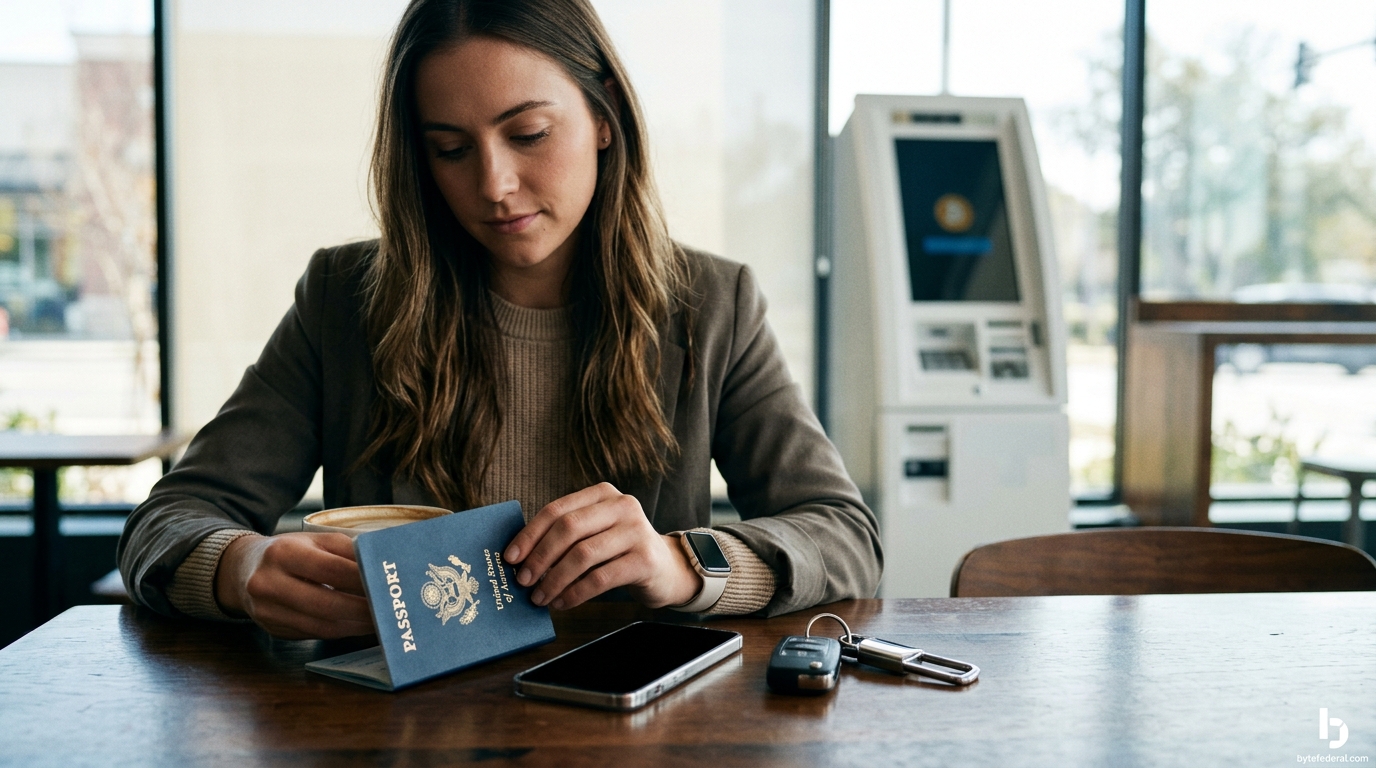
You need a valid government-issued photo ID, such as a driver's license or passport, to use a Bitcoin ATM. You must also have a mobile phone for SMS verification and a digital wallet to receive your cryptocurrency. Byte Federal requires these items to comply with federal anti-money laundering laws and ensure your transaction is secure. according to Is Crypto 1
Understanding Federal Identity Verification Laws
Identity verification is a legal requirement, not just a company policy. In the United States, Bitcoin ATM operators are regulated as Money Services Businesses (MSBs) by the Financial Crimes Enforcement Network (FinCEN). This regulation mandates that operators verify the identity of customers before processing transactions. The goal is to prevent illicit activities such as money laundering and fraud. When you use a kiosk, you are interacting with a regulated financial entity that must report suspicious activity to federal authorities.
Byte Federal operates as a FinCEN-registered MSB, which means our compliance program is built directly into the kiosk experience. We do not just ask for ID; we verify it against government databases. This process protects you as a customer by ensuring that the machine is legitimate and that your funds are handled by a compliant, insured operator. Understanding this legal framework helps beginners feel more confident that their personal data is being handled with the same rigor as a bank transaction.
The Three Essential Items for Your First Transaction
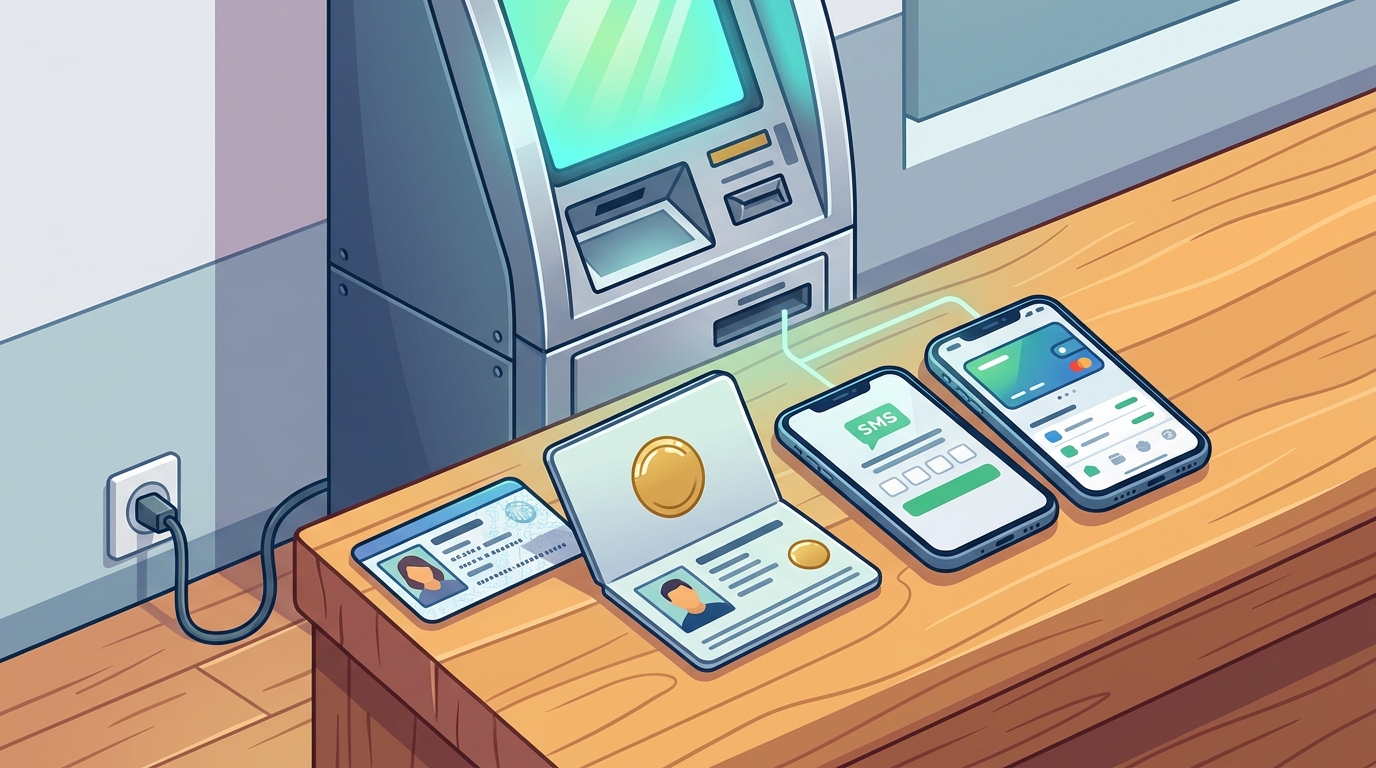
Before you leave your house, you must gather three specific items. First, you need a valid government-issued photo ID. A driver's license, state ID card, or passport are the standard documents accepted. Second, you need a mobile phone. The kiosk will send a security code via SMS to verify that you own the phone number you provide. Third, you need a digital wallet. This is the address where your Bitcoin will be sent. If you do not have one, you can download the ByteWallet app to create a secure, non-custodial wallet in minutes.
It is critical that your ID is not expired. If your driver's license has expired, the machine will reject it, and you will not be able to complete the transaction. Additionally, your phone number must be active and capable of receiving text messages. Many beginners make the mistake of bringing a wallet but forgetting their phone, which halts the verification process. By preparing these three items in advance, you ensure a smooth and quick experience at the kiosk.
How the Kiosk Verifies Your Identity
The verification process at a Byte Federal ATM is designed to be fast and intuitive. When you start a transaction, the screen will prompt you to enter your mobile phone number. You will then receive a text message with a security code. You enter this code into the machine to prove you control the phone. Next, you will be asked to scan your government-issued ID. The kiosk uses optical character recognition (OCR) technology to read the data on your ID and compare it against the information you entered.
For first-time users, the machine may also ask you to take a selfie. This biometric check ensures that the person standing in front of the machine is the same person named on the ID. This step is crucial for security and prevents someone else from using your identity. Once the ID and selfie match, the system clears you for the transaction. You can then scan your wallet QR code and insert your cash. The entire process usually takes less than five minutes if you are prepared.
Common Beginner Mistakes to Avoid
Many first-time users encounter issues due to minor preparation errors. The most common mistake is using a damaged or expired ID. If the photo on your license is blurry or the document is worn out, the scanner may fail to read it. Another frequent error is using a phone number that is not in your name. While the machine may not always check the name on the phone bill, using a number that does not belong to you can trigger fraud alerts and delay your transaction. Always use a phone number that you personally own and control.
Another pitfall is not having your wallet ready. If you arrive at the ATM and realize you do not have a wallet address, you will have to wait while you set one up. It is best to download a wallet like ByteWallet before you go. Finally, be aware of the cash limits. Different kiosks have different maximums for first-time users. If you plan to buy a large amount, check the specific limits for that location beforehand. Avoiding these simple mistakes ensures your first Bitcoin purchase is stress-free.
Protecting Your Data and Funds
Security is paramount when using a Bitcoin ATM. While the kiosk itself is secure, you must remain vigilant. Never share your security code with anyone. If someone asks to see your phone screen or your ID, it is likely a scam. The machine will never ask you to send Bitcoin to anyone else. You are only buying for yourself. If a stranger tells you to send funds to a specific address to "unlock" your money or pay a fine, it is a fraud attempt. Byte Federal strictly prohibits sending funds to third parties through our ATMs.
Additionally, protect your wallet seed phrase. If you use a non-custodial wallet, you will be given a backup phrase. Never write this down in a place where others can see it, and never share it online. If you lose your phone, you can recover your funds using this phrase. By keeping your personal information private and your wallet secure, you maintain full control over your assets. This level of self-custody is a core benefit of using Bitcoin, but it requires you to be responsible with your data.
Key Takeaways
- You must bring a valid, unexpired government-issued photo ID such as a driver's license or passport.
- An active mobile phone number is required to receive the SMS security code for verification.
- You need a digital wallet with a public QR code to receive your purchased cryptocurrency.
- Byte Federal is a FinCEN-registered MSB, ensuring all identity checks comply with federal law.
- First-time users may be required to take a selfie for biometric verification to match their ID.
- Never share your security code or wallet seed phrase with anyone to protect your funds.
- Check the specific cash limits of the ATM location before visiting to avoid transaction delays.
Frequently Asked Questions
Can I use a passport to verify my identity at a Bitcoin ATM?
Yes, a valid U.S. passport is an acceptable form of government-issued photo ID. You can scan the biographical page of your passport at the kiosk to complete the verification process.
Do I need to bring a physical wallet to the ATM?
No, you do not need a physical wallet. You only need a digital wallet. You can use a mobile app like ByteWallet to generate the QR code required for the transaction.
What happens if my ID is expired?
If your ID is expired, the machine will reject it, and you will not be able to complete the transaction. You must bring a valid, unexpired document to use the ATM.
Is my personal data stored by the ATM operator?
Yes, operators are required by law to retain customer identification records for a specific period to comply with anti-money laundering regulations. Byte Federal follows strict data privacy policies to protect this information.
Can I use a phone number that is not in my name?
It is not recommended. While the machine may accept the number, using a number that does not belong to you can trigger fraud alerts and prevent you from completing the transaction. Always use your own active number.
How long does the verification process take?
The verification process typically takes less than five minutes. It involves entering your phone number, scanning your ID, and potentially taking a selfie. The exact time depends on the speed of the SMS delivery and the clarity of your ID scan.
Start Your Bitcoin Journey with Confidence
Using a Bitcoin ATM as a beginner is straightforward once you understand the identification requirements. By bringing a valid ID, an active phone, and a digital wallet, you can complete your first transaction quickly and securely. Byte Federal is committed to providing a safe and compliant environment for all users. We encourage you to prepare your items in advance and visit a nearby location to experience the convenience of buying Bitcoin with cash. For more information on how to use our kiosks, visit our guide on how to use a Bitcoin ATM.