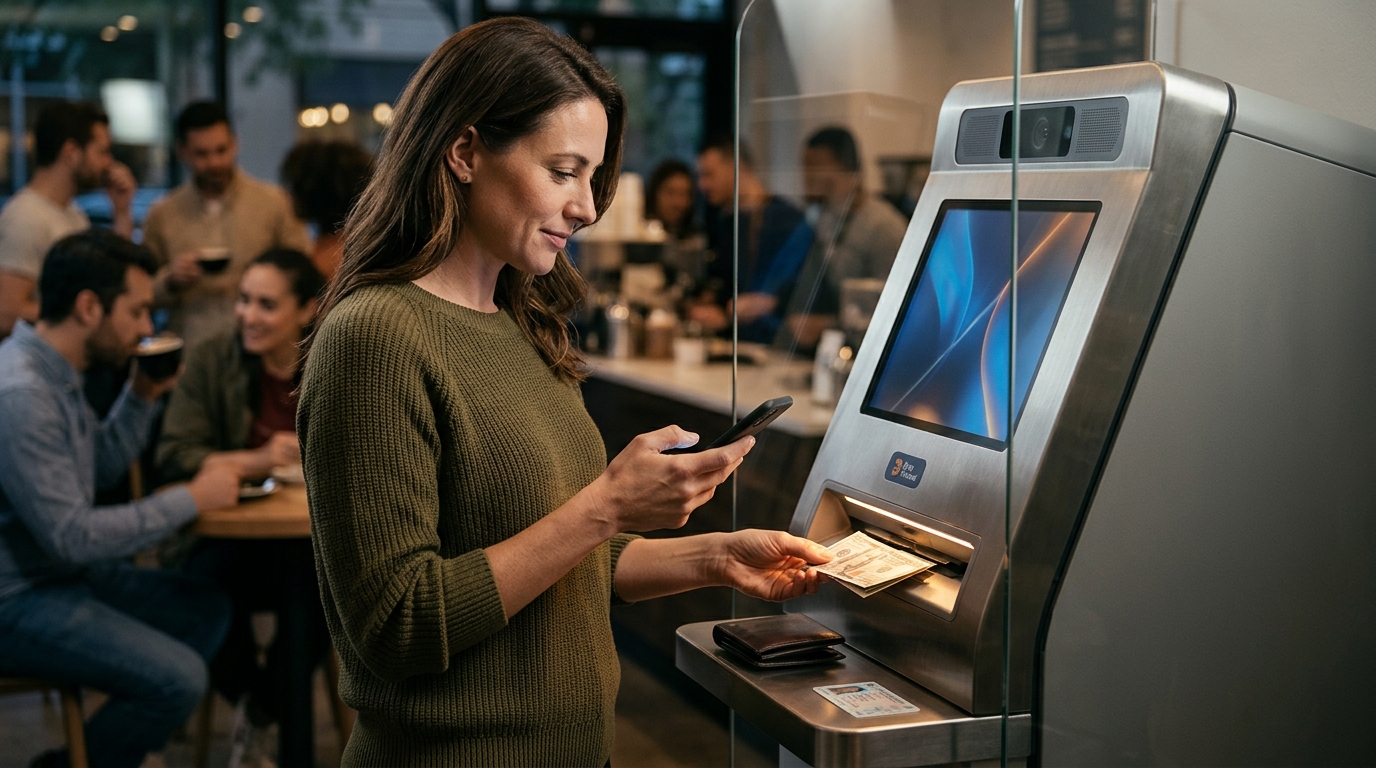
Selling Bitcoin at a machine involves verifying your identity, scanning your wallet's private key or QR code, and confirming the cash withdrawal amount. The process typically takes five to ten minutes and requires a government-issued ID and a mobile phone. Byte Federal operates a nationwide network of Bitcoin ATMs that support cash withdrawals for users who want to convert their digital assets into physical currency quickly and securely.
Understanding the Bitcoin ATM Selling Process
A Bitcoin ATM is a physical kiosk that allows users to buy or sell cryptocurrency for cash. Unlike online exchanges that require bank transfers and lengthy verification periods, these machines provide a direct bridge between digital assets and physical money. The selling process is designed to be intuitive, mirroring the familiar interface of a traditional bank ATM. Users interact with a touchscreen interface that guides them through each step, from login to final cash dispensing.
Why Use a Machine for Selling
Many users prefer machines for selling because they offer immediate liquidity without the need to link a bank account. This is particularly useful for individuals who hold Bitcoin in self-custody wallets and want to access cash quickly. The physical nature of the transaction provides a tangible sense of security, as the user retains control of their private keys throughout the process. Byte Federal's network is built to support this self-custody model, ensuring that users maintain sovereignty over their assets while accessing cash services.
Preparation: What You Need Before You Start
Before visiting a kiosk, you must prepare your digital wallet and identification documents. The most critical item is your wallet's private key or the QR code associated with the address holding the Bitcoin you wish to sell. If you use a mobile wallet like ByteVault, you can generate this QR code instantly on your phone. You also need a valid government-issued photo ID, such as a driver's license or passport, to satisfy regulatory compliance requirements. Finally, ensure your mobile phone is charged and has a stable internet connection, as you will need it to receive verification codes and sign the transaction.
Choosing the Right Wallet
Not all wallets are equally compatible with every machine. It is essential to use a wallet that supports the specific network and transaction types offered by the kiosk. ByteVault is a non-custodial mobile wallet designed to work seamlessly with Byte Federal ATMs. It allows users to manage multiple wallets, generate receiving and sending QR codes, and access the ATM locator within the same app. Using a compatible wallet reduces friction and minimizes the risk of transaction errors during the selling process.
Step 1: Locating and Accessing the Kiosk
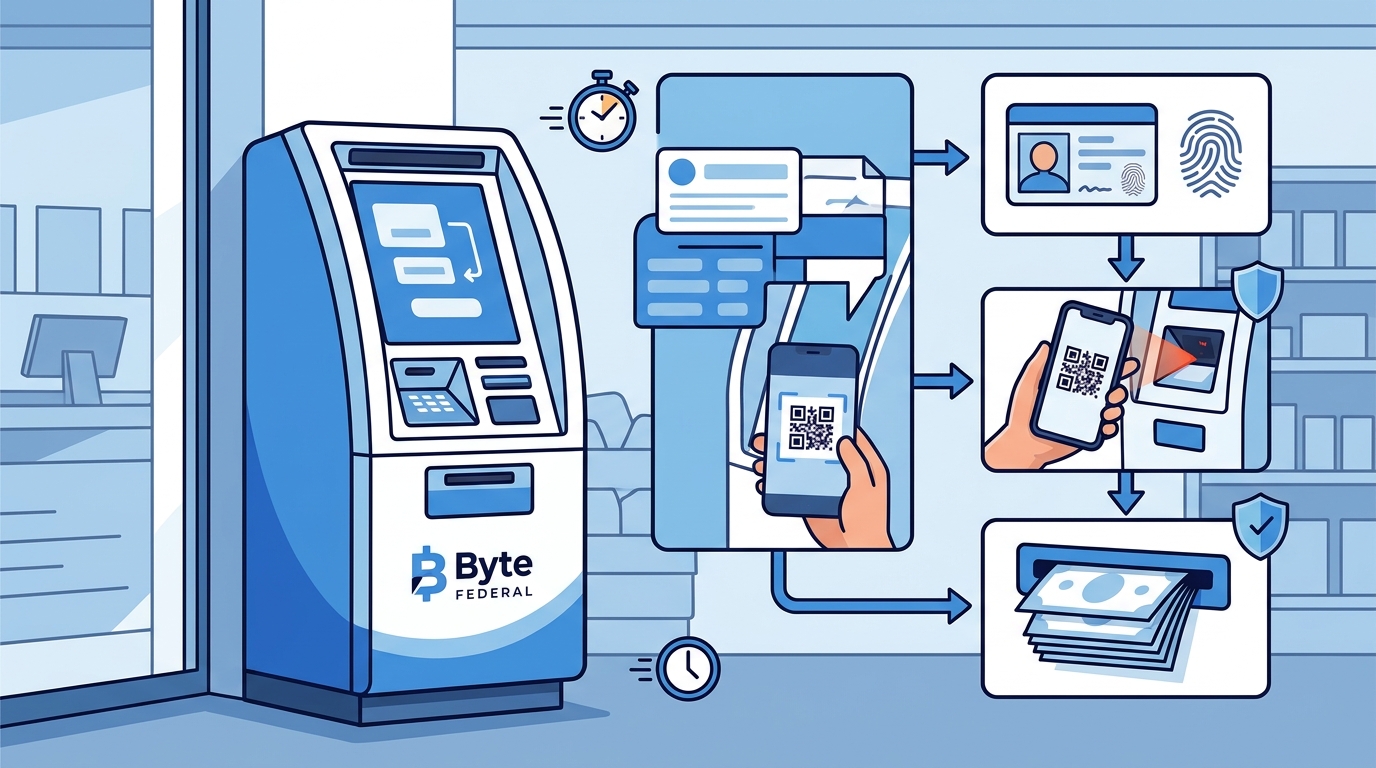
The first physical step is finding a machine that supports cash withdrawals. Not all Bitcoin ATMs offer selling services; some are buy-only. You can use the Byte Federal ATM locator to find nearby machines that support both buying and selling. Once you arrive at the location, look for the kiosk, which is typically installed inside a retail store such as a convenience store or gas station. Tap the screen to wake it up and select the 'Sell Crypto' or 'Withdraw Cash' option. The machine will prompt you to log in using your phone number. Enter your number and wait for the security code sent via SMS. This step verifies that you are the authorized user of the account associated with the machine.
Verifying Your Identity
For first-time users or larger transactions, the machine will require you to scan your government-issued ID and take a selfie. This process, known as Know Your Customer (KYC) verification, is mandatory for compliance with anti-money laundering laws. The machine uses facial recognition technology to match the photo on your ID with the live video feed. This step usually takes less than a minute. Once verified, your identity is linked to the transaction, and you can proceed to the next stage. Byte Federal ensures that this data is handled securely and in accordance with privacy regulations.
Step 2: Scanning Your Wallet and Confirming Amount
After logging in, the machine will display a prompt to scan your wallet's QR code. Open your wallet app, navigate to the 'Send' or 'Sell' screen, and generate the QR code for the address holding the Bitcoin you want to sell. Point your phone's camera at the machine's screen to scan the code. The machine will detect the balance in that address and display the amount of Bitcoin available for sale. You can then specify how much you want to sell. The screen will show the exchange rate, including any applicable fees, and the total cash amount you will receive. Review these details carefully. The rate is fixed at the moment of confirmation, so it is important to check the fee structure before proceeding. Fees can vary based on the amount and the current market conditions.
Reviewing Fees and Rates
Transparency is key in any financial transaction. The machine displays the total fee as a percentage of the transaction value. This fee covers the cost of processing the transaction and the service provided by the operator. By reviewing the rate and fees before confirming, you can make an informed decision about whether to proceed. If the rate is not favorable, you can cancel the transaction and try again later. Byte Federal displays all fees clearly on the screen, ensuring that users are not surprised by hidden costs. This transparency helps build trust and ensures a fair exchange for both the user and the operator.
Step 3: Signing the Transaction and Receiving Cash
Once you are satisfied with the amount and the rate, tap 'Confirm' or 'Sign' on the machine's screen. Your phone will receive a notification asking you to approve the transaction. Open your wallet app and use biometric authentication, such as Face ID or Touch ID, to sign the transaction. This step authorizes the transfer of Bitcoin from your wallet to the machine's custodial address. After signing, the machine will broadcast the transaction to the Bitcoin network. The machine will wait for the transaction to be confirmed, which typically takes a few minutes. Once confirmed, the machine will dispense the cash into the bill dispenser. Take your cash and keep your receipt, which contains the transaction ID and details of the sale. The receipt is important for your records and for any future disputes or tax reporting.
Transaction Confirmation and Receipt
The transaction ID is a unique identifier for your sale on the Bitcoin blockchain. You can use this ID to track the transaction status in a block explorer. The receipt also includes the amount of Bitcoin sold, the cash received, and the fees paid. It is advisable to store this receipt in a safe place, either digitally or physically. The transaction is final once the cash is dispensed, and the Bitcoin is transferred. You cannot reverse the transaction or get a refund if you made a mistake. Therefore, it is crucial to double-check all details before signing. Byte Federal provides a clear and concise receipt that includes all necessary information for users to verify the transaction independently.
Key Takeaways
- Prepare your wallet and ID before visiting the machine to save time.
- Use a compatible wallet like ByteVault for a seamless experience.
- Verify your identity with a government-issued ID and selfie.
- Scan your wallet's QR code to specify the amount to sell.
- Review the exchange rate and fees carefully before confirming.
- Sign the transaction using biometric authentication on your phone.
- Keep your receipt for records and tax purposes.
Frequently Asked Questions
How long does it take to sell Bitcoin at a machine?
The entire process typically takes five to ten minutes. This includes logging in, verifying your identity, scanning your wallet, signing the transaction, and waiting for the cash to be dispensed. The time can vary slightly depending on network congestion and the specific machine's processing speed.
Do I need a bank account to sell Bitcoin at a machine?
No, you do not need a bank account. The machine dispenses physical cash directly into the bill dispenser. This makes it an ideal option for users who want to access cash without linking their digital assets to a traditional bank.
What fees are associated with selling Bitcoin at a machine?
Fees vary by operator and transaction size. The machine displays the total fee as a percentage of the transaction value before you confirm. It is important to review this fee carefully, as it can impact the total cash amount you receive. Byte Federal displays all fees clearly on the screen.
Can I sell any amount of Bitcoin at a machine?
Machines have minimum and maximum transaction limits. The minimum is usually a small amount, while the maximum can range from a few hundred to several thousand dollars, depending on the operator and location. Check the machine's limits before starting the transaction.
Is it safe to sell Bitcoin at a machine?
Yes, it is safe if you use a reputable operator and follow security best practices. Ensure that you are using a secure wallet and that you are in a public, well-lit location. Never share your private key or seed phrase with anyone. Byte Federal operates a secure network with robust compliance and security measures.
What happens if the transaction fails?
If the transaction fails, the Bitcoin will not be transferred, and you will not receive cash. The machine will display an error message explaining the issue. You can try the transaction again or contact customer support for assistance. In rare cases, if the transaction is broadcast but not confirmed, you may need to wait for it to be confirmed or dropped from the network. Learn more: Byte Federal Contact.